
Magic Brush by BabyBus8.21.00.00 - Get APK
You'll be able to download in few seconds.
Publisher Description
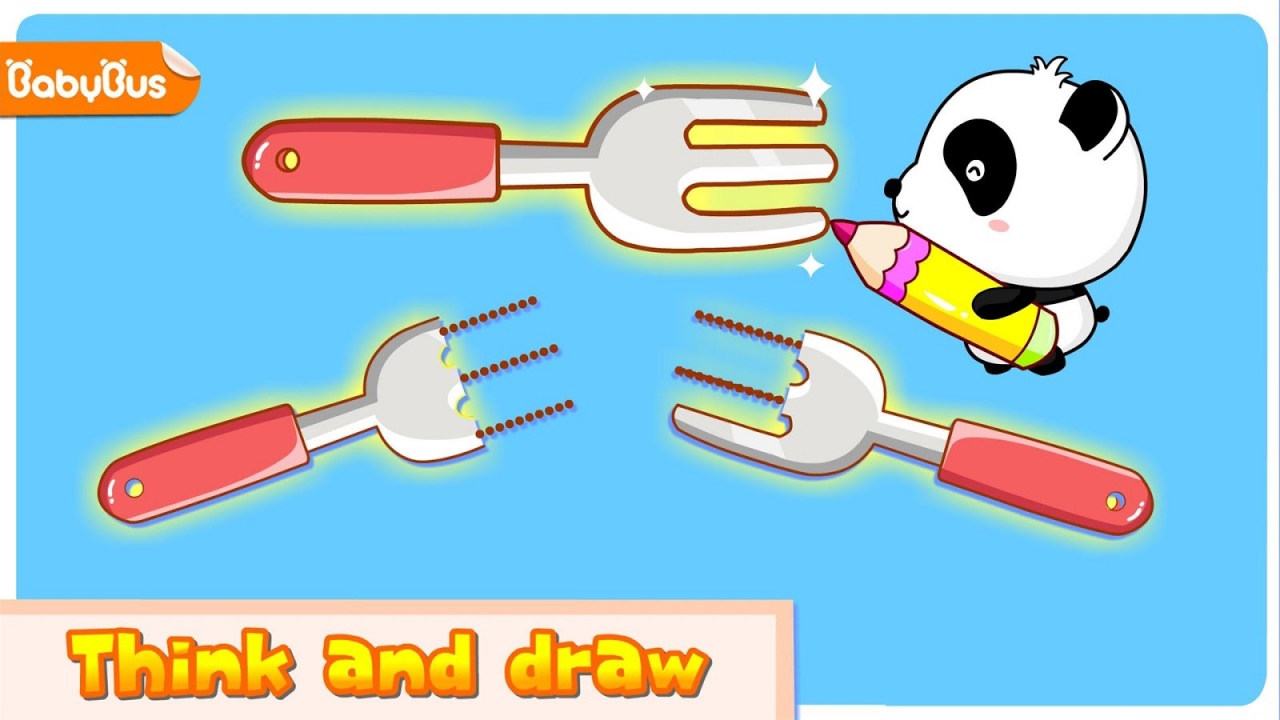

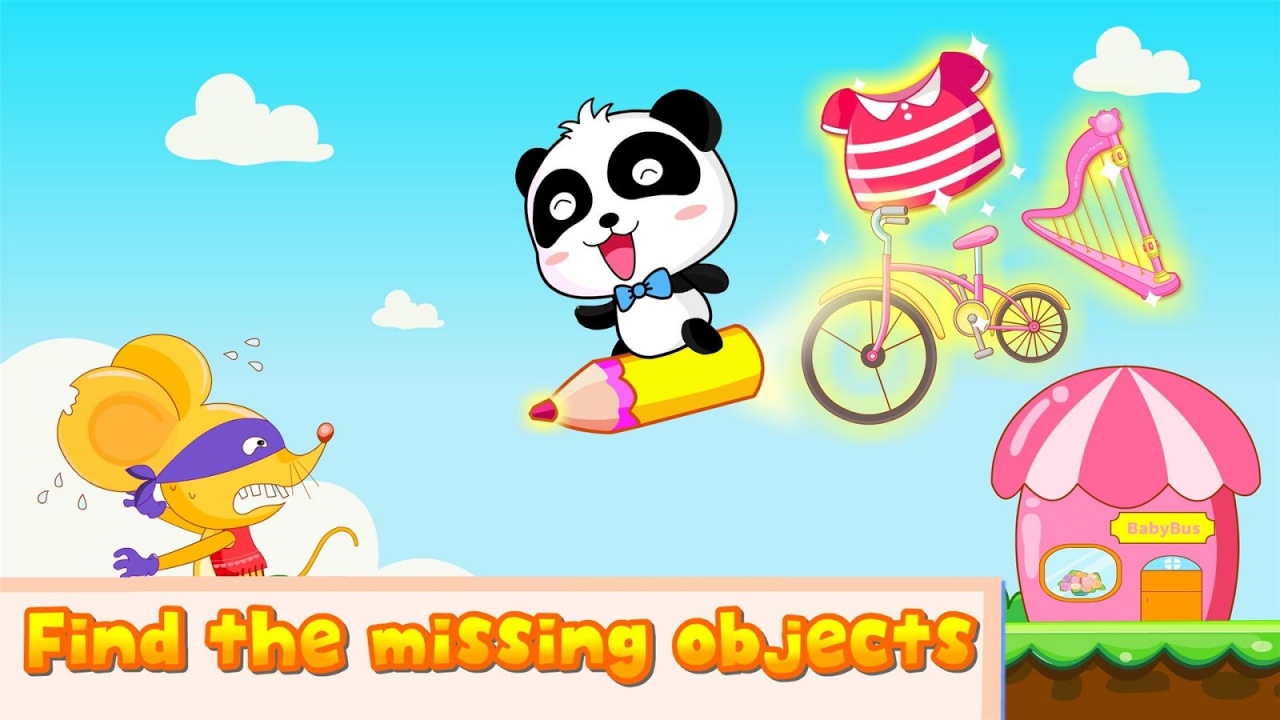


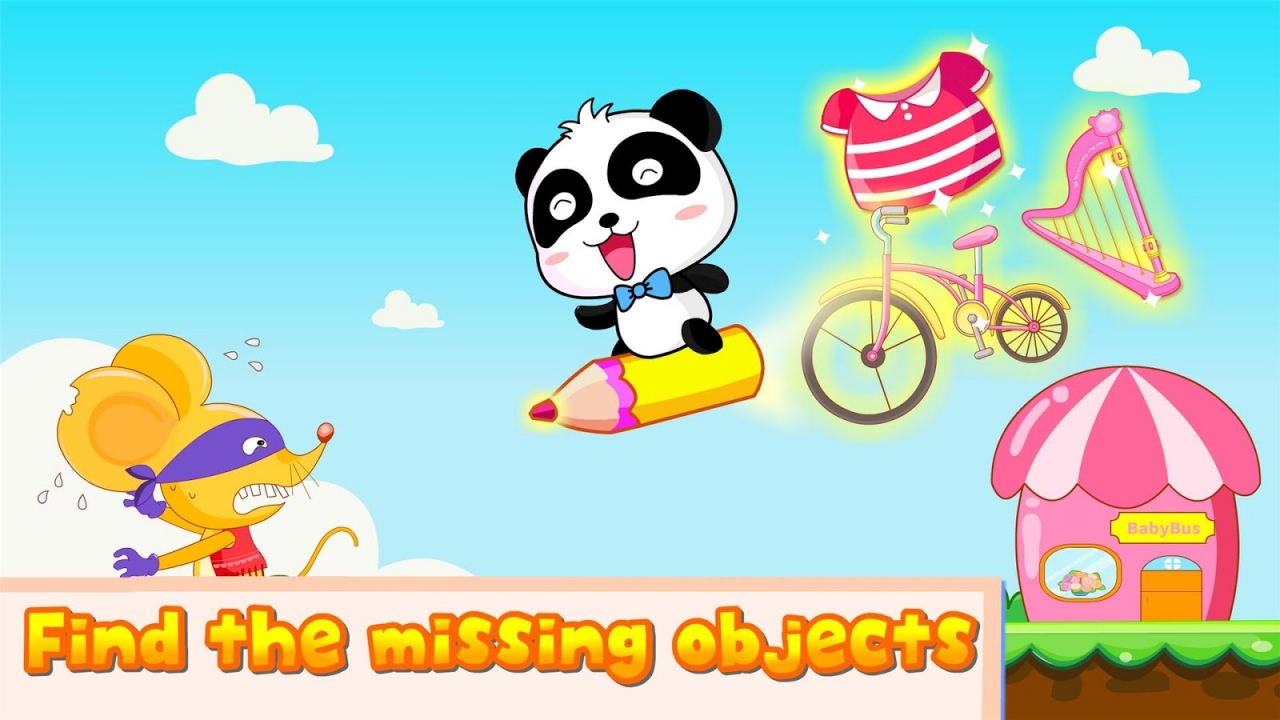




The mischievous mouse is stealing from the store again! Help the cute Panda find his items and make proper repairs!
Fun features:
- Track the lost items for the little panda;
- Repair the items with magical power;
- Maintain a local business with your favorite panda!
Use your magic brush to repair all the broken items and see them turn to new! You are the town’s biggest help!
-- -- --
Design concepts:
We focus on inspirational learning;
We focus on skill-building;
We focus on bringing fun contents to our young audience;
Take the baby bus for an unique learning experience!
The series introduction:
Baby Bus is the first trusted brand in early childhood educational software. The mobile applications are designed and developed specifically for preschoolers, and they are divided into two groups by age, the Starter Group for toddlers between the ages of 1 and 3 and the Prodigy Group for children between the ages of 3 and 6.
The educational series in the Prodigy Group combines the main concepts of early childhood education to meet the needs of mastering different learning categories. The applications are aimed at the comprehensive and the analytic development in preschoolers.
Tips: In the search bar, enter "BabyBus" to find all of our products.
Contact us:
E-mail: en@babybus.com
Website: http://www.babybus.com
Facebook: https://www.facebook.com/BabyBusENGLISH
About Magic Brush by BabyBus
The company that develops Magic Brush by BabyBus is BabyBus Kids Games. The latest version released by its developer is 8.21.00.00.
To install Magic Brush by BabyBus on your Android device, just click the green Continue To App button above to start the installation process. The app is listed on our website since 2018-01-02 and was downloaded 0 times. We have already checked if the download link is safe, however for your own protection we recommend that you scan the downloaded app with your antivirus. Your antivirus may detect the Magic Brush by BabyBus as malware as malware if the download link to com.sinyee.babybus.drawing is broken.
How to install Magic Brush by BabyBus on your Android device:
- Click on the Continue To App button on our website. This will redirect you to Google Play.
- Once the Magic Brush by BabyBus is shown in the Google Play listing of your Android device, you can start its download and installation. Tap on the Install button located below the search bar and to the right of the app icon.
- A pop-up window with the permissions required by Magic Brush by BabyBus will be shown. Click on Accept to continue the process.
- Magic Brush by BabyBus will be downloaded onto your device, displaying a progress. Once the download completes, the installation will start and you'll get a notification after the installation is finished.
Program Details
System requirements
Download information
Pricing
Version History
version 8.21.00.00
posted on 2018-01-02
version 8.8.7.601
posted on 2017-01-11
This upgrade,1. Bugs fixed.,Recent upgrades,1. Screen rotation feature avaliable.,2. HD logo avaliable.,3. Feedback feature improved.,4. Use the ¨previous¨ button to go back to the previous screen.,5. Unnecessary access request has been deleted.
version 3.8
posted on 2013-04-09
Several fixes and updates
Disclaimer
External Download
We do not host Magic Brush by BabyBus on our servers. We did not scan it for viruses, adware, spyware or other type of malware. This app is hosted by Galad and passed their terms and conditions to be listed there. We recommend caution when installing it.
The APK Download link for Magic Brush by BabyBus is provided to you by apps112.com without any warranties, representations or guarantees of any kind, so access it at your own risk.
If you have questions regarding this particular app contact the publisher directly. For questions about the functionalities of apps112.com contact us.
